






iPad VESA Enclosures
Welcome to our iPad VESA mount collection! We understand you're looking for a robust and elegant mount to securely hold your iPad in variousenvironments. Our selection of VESA mounts for the iPad and similar devices is designed to meet your needs in terms of style and functionality.

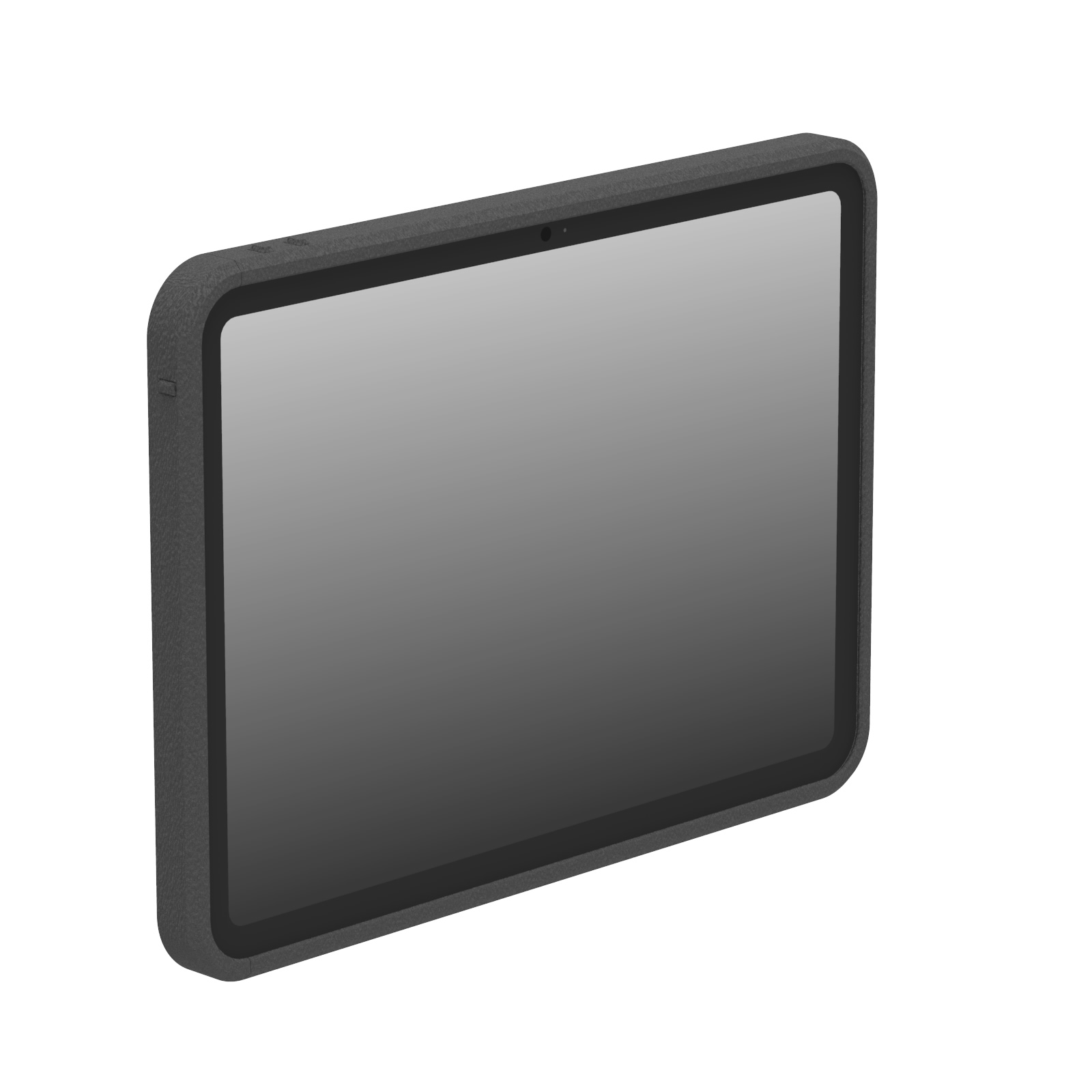

iPad VESA Mount: Unparalleled Strength and Durability
Our iPad VESA mount is created from a solid piece of resin, ensuring exceptional strength and longevity. The construction method used for this VESA mount means your iPad will be protected in even the most demanding environments.Whether you're setting up a kiosk in a high-traffic area or looking to get your device mounted in a professional setting, our secure iPad VESA mount is the perfect choice for you.
Neat and Professional Aesthetics With iPad VESA Mount
Say goodbye to unsightly cable clutter! The VESA mount options in our collection are designed to hide all cables internally, giving your setup a clean and professional look, all while keeping your cable system secure. A VESA mount like this is perfect for businesses that want to maintain a sleek appearance while utilizing their iPads in a customer-facing business site. Plus, with VESA 100x100 compatibility, you'll have flexibility in choosing which iPad VESA mount suits you best.Why Choose VidaBox for Tablet and iPad VESA Mount Needs?
At VidaBox, we pride ourselves on offering unmatched quality and service. With warehouses worldwide, we ensure quick shipping and delivery of your tablet and iPad VESA mount no matter where you are. Our breadth of product options means we support a wide range of iPad models, unlike many competitors who only cater to limited devices.What sets us apart is our in-house manufacturing capability. This allows you to customize your tablet or iPad VESA mount to meet your needs. We also offer quick turnaround times for out-of-stock VESA mounts. We go beyond standard security measures, providing VESA enclosure options beyond keylocks to keep your iPad or tablet safe. And when you need assistance with your purchase, our customer service team is always ready to pick up the phone and help.
Ready to Secure Your iPad with Style?
Explore our range of iPad VESA enclosures and find the perfect fit for your valued iPads and tablets. Remember, each mount is compatible with VidaPower solutions for USB charging, making cable and power management a breeze. You'll have full control over your iPad or tablet with easy access to power buttons via service holes or knockouts.Don't settle for a one-size-fits-all VESA mount. Upgrade to VidaBox for American-made quality, making your iPad display stand out. Browse our iPad VESA mount selection and take the first step toward a sleek, secure, and professional iPad mounting solution!
Question 1 : What is the difference between the VESAHD / Heavy Duty, VESAPlus, VESALite, and OpenVESA enclosure models?
At VidaBox, we offer (4) different VESA-ready enclosure models to suit diverse installation needs. All of our 'VESA-Ready' enclosures feature a fully protective back panel, providing maximum security and a sleek, finished appearance, ideal for public-facing kiosks or wall mounts - all with full VESA 100x100 support. All of these models offer robust protection against theft, and a protected USB cable input.Our OpenVESA enclosures feature open button access. This design offers several advantages, including easier access to the iPad's power and volume buttons if required for specific applications.
For increased tablet protection, the VESALite is the next "step up". Featuring fully covered tablet edges, VESALite is a great choice if configurable buttons - i.e. the power and volume keys can be fully accessible by finger, or remove these optional keys to disable finger access. A pen tip, key, or other tool can still be used to actuate the buttons
For even more protection - choose the VESAPlus, which has a 1+ inch (>25mm) bumper all around the tablet to protect it from bumps and bruises. All buttons are fully shielded and covered to prevent unintended access.
For maximum protection from chemicals and heat exposure - select the VESAHD or Heavy Duty option. It has the same, rugged bumpers as the VESAPlus, but it's manufactured with highly chemical resistant HDPE resin, perfect for withstanding against the harshest environments and cleaning solutions like Clorox, Cleaning / Bleaching Agents, and other biocides.
Question 2 : What VESA mounting pattern do these enclosures use?
Our iPad VESA enclosures are designed to be compatible with industry-standard VESA mounting patterns, offering versatile integration with a wide range of mounts, arms, and stands. The most common VESA patterns supported by our enclosures is 100x100mm. VESA 75mm is available with our Multi-Purpose adapter. This means you can easily attach your VidaBox enclosure to any VESA-compliant mounting hardware, whether it's a wall mount, desk stand, or articulating arm. We always recommend checking the specific product page for the exact VESA specifications of the enclosure you are interested in, as some specialized models may have unique mounting options.Question 3: What materials are the enclosures made from to ensure durability?
At VidaBox, durability is paramount, which is why our enclosures are meticulously crafted from high-grade materials designed for long-term performance and security. We primarily utilize aircraft-grade aluminum or robust steel, known for their exceptional strength-to-weight ratio and resistance to impact and tampering, for the majority of our mounting brackets. These materials are often finished with a durable powder coating, which not only provides an attractive, professional aesthetic but also adds an extra layer of protection against scratches, corrosion, and daily wear and tear. Enclosures are made of impact absorbing like HDPE resins and 3DPLA materials, optimized for tablet protection and chemical resistance. This combination of premium materials and finishes ensures that our enclosures can withstand the rigors of continuous commercial use, providing reliable protection for your iPad in any environment.Question 4: How does the design accommodate cable management for a clean, hidden-wire setup?
Achieving a clean, professional installation with hidden wires is a core aspect of our enclosure design. Our enclosures feature integrated cable management systems that allow for discreet routing of charging cables, network cables, and any other necessary wiring. Cables are typically routed internally through the enclosure's structure, exiting through designated access points at the rear or bottom. This design ensures that all wires are securely tucked away, preventing clutter, accidental disconnections, and potential tampering. The result is a seamless, aesthetically pleasing setup that maintains the focus on your iPad's display, free from visible cables.Question 5: Does the enclosure's design affect the iPad's audio quality from the speakers or input to the microphones?
We understand that maintaining optimal audio quality is crucial for many applications. Our enclosures are precision-engineered with meticulously designed cutouts and openings that align perfectly with the iPad's speakers and microphones. This ensures that there is no obstruction to the sound output from the speakers or interference with the input to the microphones. We rigorously test our designs to confirm that the enclosure does not negatively impact the iPad's native audio performance, allowing for clear speaker output and accurate microphone input for video calls, voice commands, or other audio-dependent functions. You can expect a similar, high-quality audio experience as if the iPad were unenclosed.Question 6: Are the iPad's buttons, cameras, and ports accessible when in the enclosure?
The accessibility of the iPad's buttons, cameras, and ports varies depending on the specific enclosure model and its intended use. We offer a range of designs to suit different commercial applications:· Charging Port: The charging port is always covered, to protect the embedded charging cable to guarantee continuous power, as mentioned previously.
· Home Button: For public-facing kiosk applications where you want to prevent users from exiting an application, the home button can be covered. These models may offer a pinhole access option for administrative use.
· Power & Volume Buttons: These buttons may be covered for enhanced security and tamper prevention, or they might have precise cutouts for accessibility, depending on the enclosure's design.
· Cameras: Many enclosures feature cutouts for and expose the front-facing camera by default, which is useful for video conferencing, facial recognition, or interactive applications. Rear camera access varies; some models provide an opening for scanning or photography, while others keep it covered for security.
We encourage you to review the detailed product descriptions and images on each enclosure's page, as they clearly outline which buttons, cameras, and ports are accessible for that specific model.


